Overview
This article provides simple steps to change your payment method. Whether your card has expired or you'd like to use a different one, we'll guide you through the process.
How-to
To change the credit card you have on file, follow these steps:
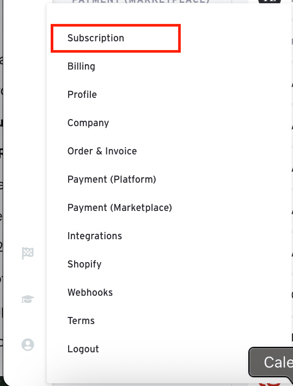
1. Click the "Account" button at the bottom of the navigation panel and select "Subscription."
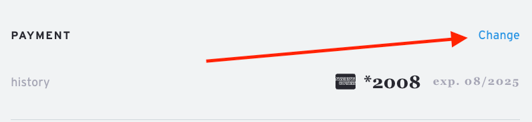
2. Click the "Change" button located at the top right of the Subscription page.